I just came across this freeLinear Profile Repository - for anyone who wants a fast way to get a linear profile for their camera for whatever reason… There you go! Comes with detailed information on benefits, use and install among other things. It is by no means a replacement for NLP or anything, but can be quite useful for people like me who love to tinker, especially IMHO on E6/slides.
Some slides I prefer NLP Linear and some I prefer camera specific Linear… haven’t figure out why.
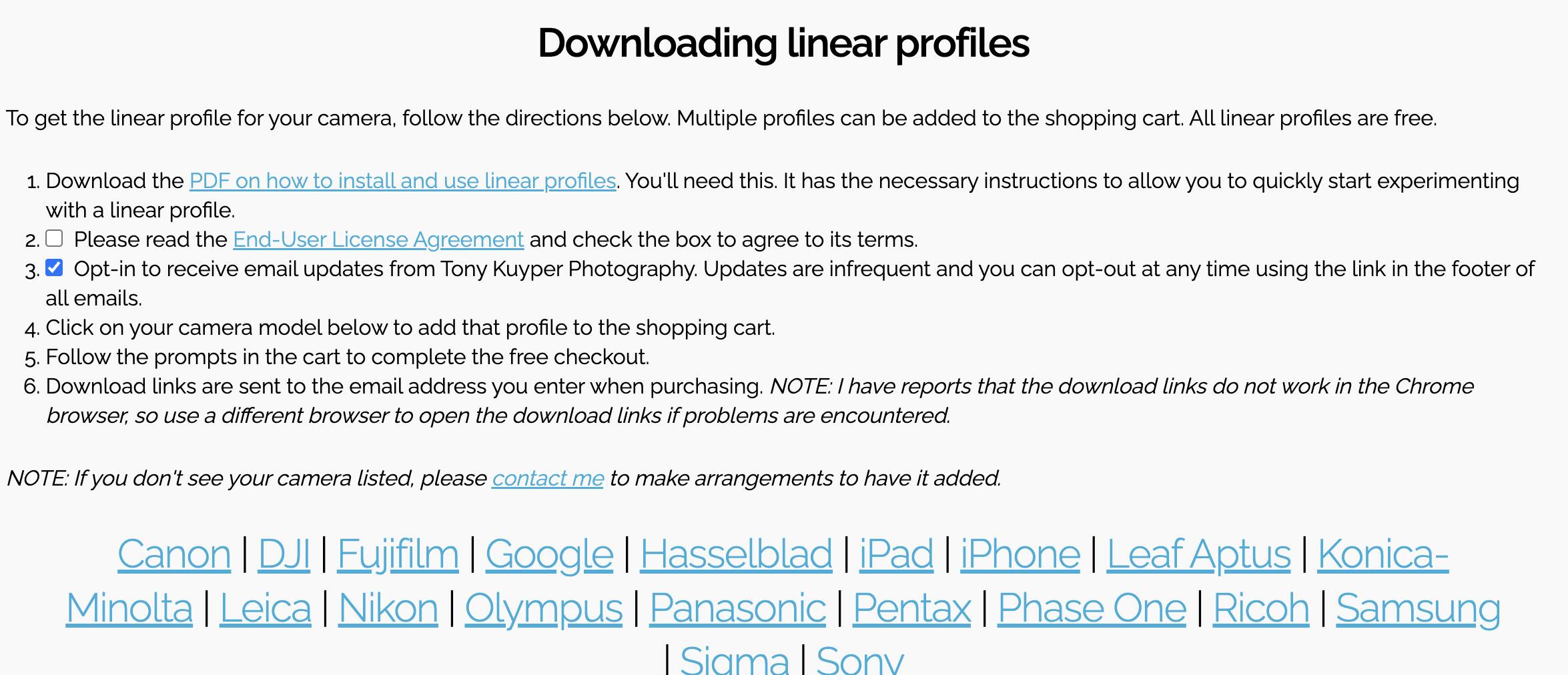
I spot checked and its an expansive selection, too. Screenshot below.
Thanks Spencer for the link! Indeed linear profiles is what makes camera scanning work. As far as i understand, NLP , Negmaster , G2P all use linear profiles . Negmaster specificaly sells Neglin profiles for each camera and per developer they are calculated rather then produced by Adobe DNG convertor. NLP and G2P run utilities in the background which produce linear tiffs which are later processed. So if someone is looking to develop their own processing with color management software at core, the linear profile is very important starting point. That’s why i am very suspicious of CS Negative Plus software as they use Adobe Standard profile by default and try to use very curved tone curves to mimic what linear profile does from get go. I did use Adobe DNG to make my linear profile. To be honest i think self-made linear profile, NLP 2.3 profile and Neglin profile look very similar when applied to scanned image. I can not be certain they are completely equivalent as i did not do any research except observing what happens to arbitrary image when switching profile in LR. I think we hear about “good-behaving” profiles, but i really don’t know more than i said above. Of course having library of profiles for each imaginable camera is the good thing - even better if we knew how they were produced. Given the sheer number of profiles i suspect that someone may have downloaded raw images for each camera from say DPReview and ran Adobe DNG - but that is pure speculation and i can be wrong. Thanks again!
The included profiles in Negative Lab Pro are free and are linear (plus some other features that make them more neutral and better suited for negative and slide film development, such as “hue untwisting,” gamut protection, and removal of highlight rolling).
No. This is NOT accurate for NLP. NLP works directly on RAW image data using custom designed linear profiles.
Yes, this is a very sloppy way to do it and will not produce the best results.
Yes, a lot of people use Adobe DNG and then just take the embedded tone curve and make it linear. I suspect that is all that has been done in the linked site provided. Unfortunately, this doesn’t actually produces linear results all the way through the tone curve because of some things happening under the hood in Lightroom to try to smooth out highlight. It took me a lot of time to figure out how to measure this and get around it.
Also, if you just use Adobe DNG, you still have “hue twists” in the profile (color hue changes based on saturation or luminance levels) which are meant to “improve” the appearance of digital photos, but hurt the accuracy and smoothness of the result, especially when working with negatives.