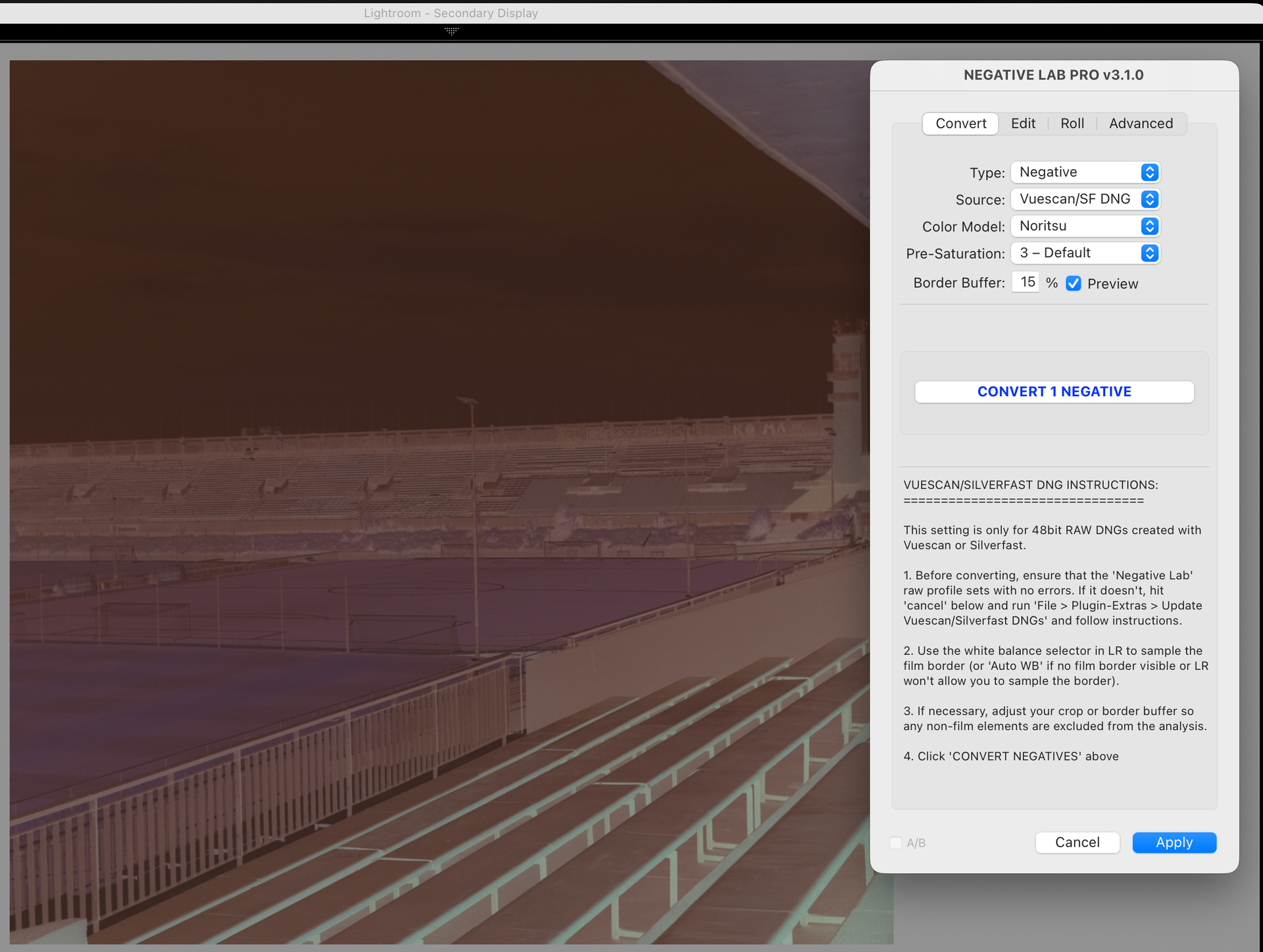
Hello everyone.
I’ve had some issues with a few images that I’ve converted using NLP where dense areas on the negative come out with a pink colour cast that is difficut to get rid of.
Attached is an example image, notice that the sky (especially the clouds) have this pink cast to them, it might look like a sunset but the picture was taken mid-day.
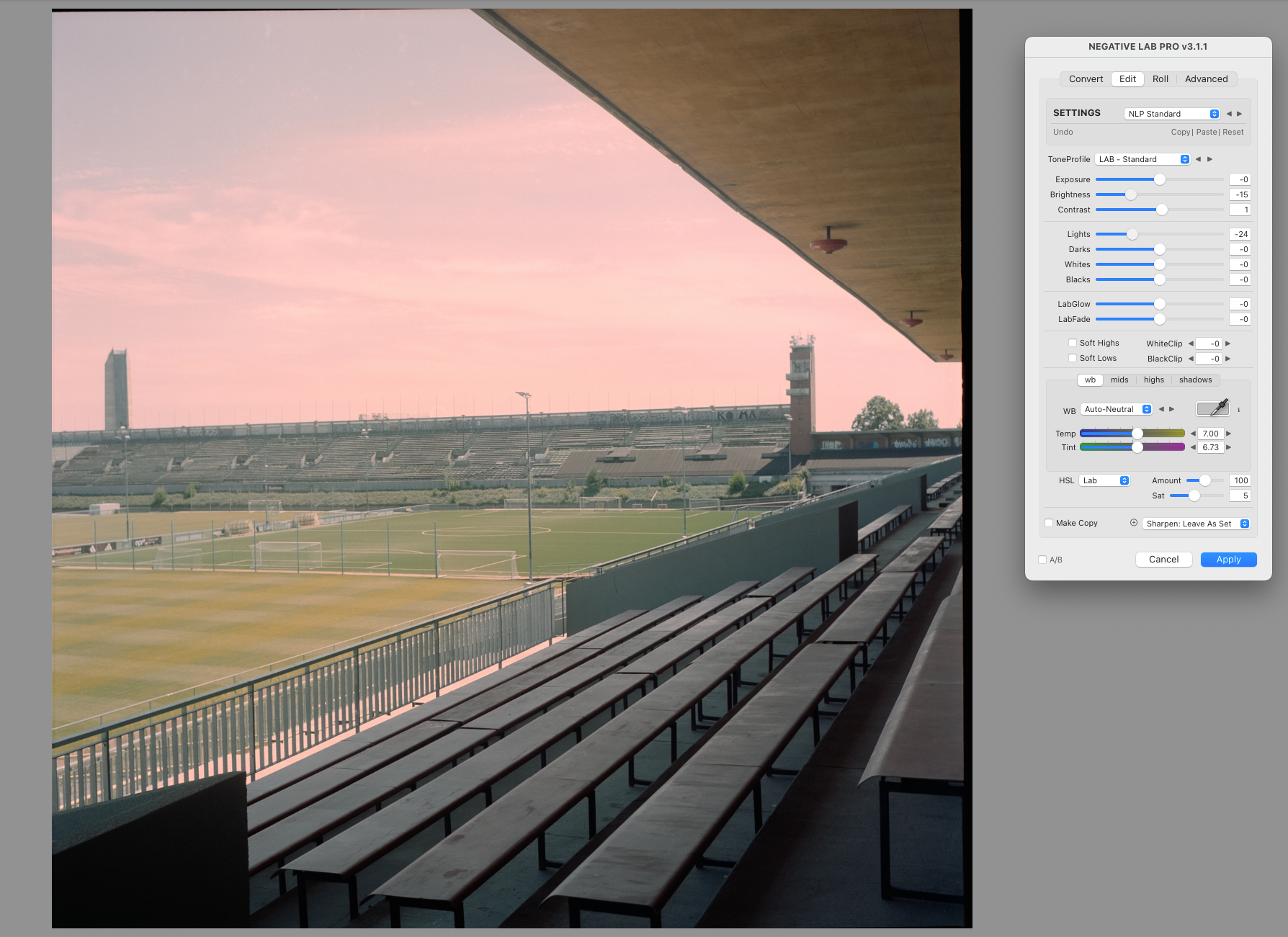
(I’ve pulled down the lights a bit to make the problem more obvious).
I’ve attempted to tweak the global white balance as well as the colour balance of the highs, but the cast is strong enough that I can’t get rid of it without completely turning all the other highlights cyan or blue.
The negative in question is a bit denser than other exposures in the same roll (that do not have the same issues when converting), and I saw a similar issue with another denser negative.
Conversion was done with roll analysis, 5% buffer border and the Frontier color model with default pre-saturation.
Any ideas what might be causing this?
The DNG (after running “Update Vuescan/Silverfast DNGs”) is available here: Dropbox
- NLP Version 3.1.1
- Epson V700 with Vuescan.
- Following the * * scanning guide, locked exposure at RGB exposure 1.