just upgraded from version 2 to 3 and finding the support for positive film great. A few clicks in NLP generally give better results than I can get manually in LR or Photoshop.
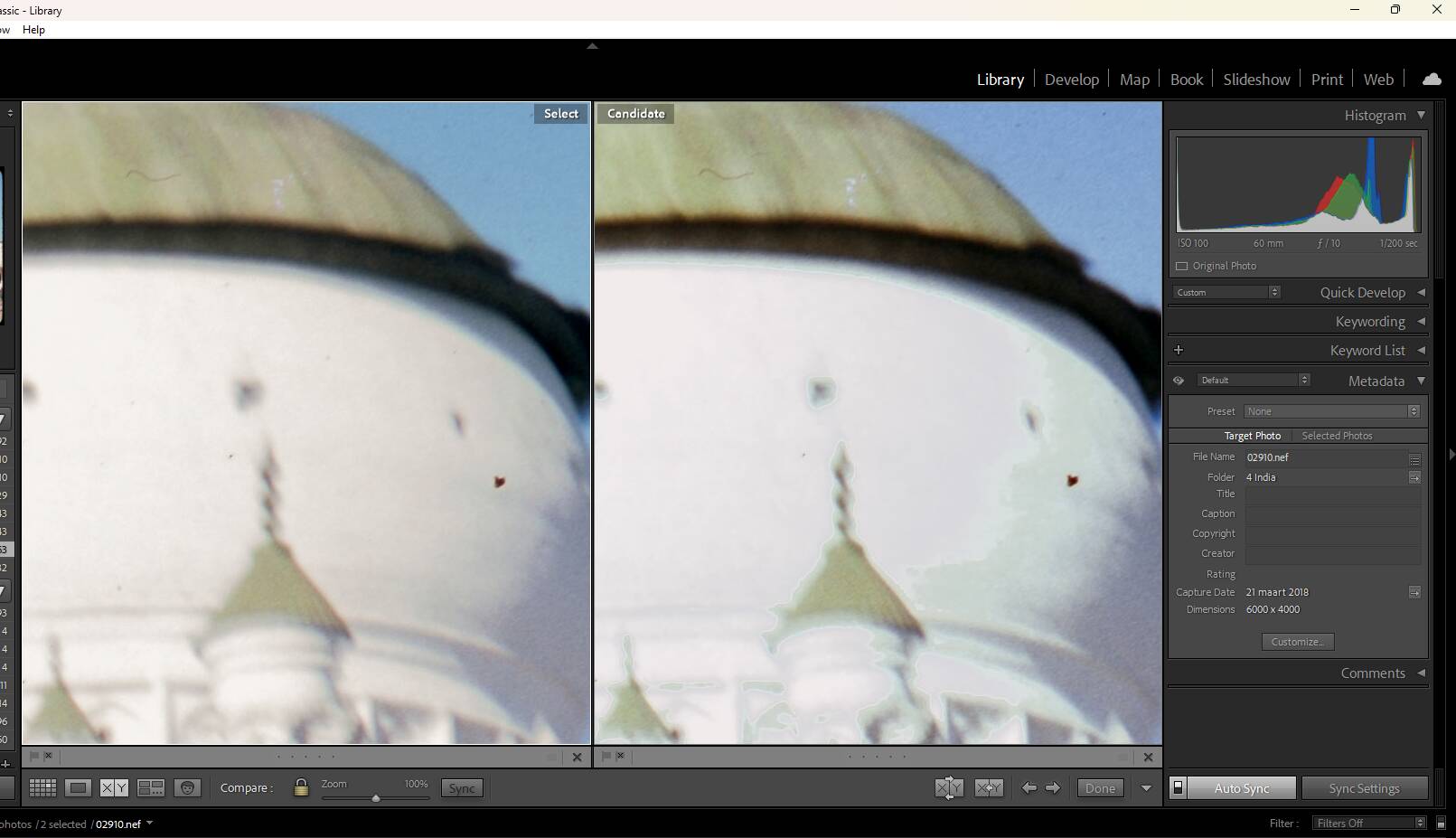
Tonight I was going through some slides, and while zooming in noticed some issues in the highlights. In some photos they seem weirdly clipped or blocky and grainier/harsher than in a straight Lightroom edit, not sure how to describe properly. Has anyone else noticed this?
The slides are not in a great state, but they are not the problem. In some photos it’s more visible then others. Took some screenshots in LR compare view, on the left are only done with LR, the one on the right is done with NLP. This one is where the problem is most obvious.
Hi there, welcome to the community. I don’t have an answer but it’s both interesting and concerning of course. Might it be worth posting a comparison of the whole frame, a screenshot as you’ve done here, or are they so close as to make that unnecessary. Just to be absolutely clear, these are both processed from the same RAW file?
Thanks, been lurking for quite a while, but decided to create an account to post this
Yes, both versions are from the same RAW. A screenshot will probably be a bit to small to see anything usefull, but will try to post a jpeg of both versions. Since the slides are not mine, digitized them for someone, I will block the faces of the kids in them
Thanks, I would think that is quite enough to show that they are broadly the same in terms of tonal range and contrast, to me at least. It’s a kind of posterisation in the highlights isn’t it, and a colour shift to my eyes anyway. Maybe you could play around with some of the options in NLP using virtual copies to see if you can alter the result.
Better still, some experienced NLP user will hopefully chip in and suggest what might be happening. I believe it has always been possible to use NLP for slides by inverting them and then putting them through as a ‘negative’ so users of that method might have a better idea of where the problem lies.
Yeah posterisation might be the right term. So far changing some settings does not improve anything, but haven’t had time to try everything yet. Maybe next week
Are you able to rescan at a lower exposure to make sure that there is no clipping in the original? There is some “highlight rolloff” in the standard Lightroom profiles that I have overridden in the NLP profiles, so if the originals have any clipping, you might see something like this…
Or can you provide a link to the original raw file (or email me at nate@natephotographic.com) and I’ll take a look.
Hi Nate, thanks for responding (and creating this software!)
Rescanning is not a possibility. The slides did not belong to me and I think the person I scanned them for threw everything out after digitizing
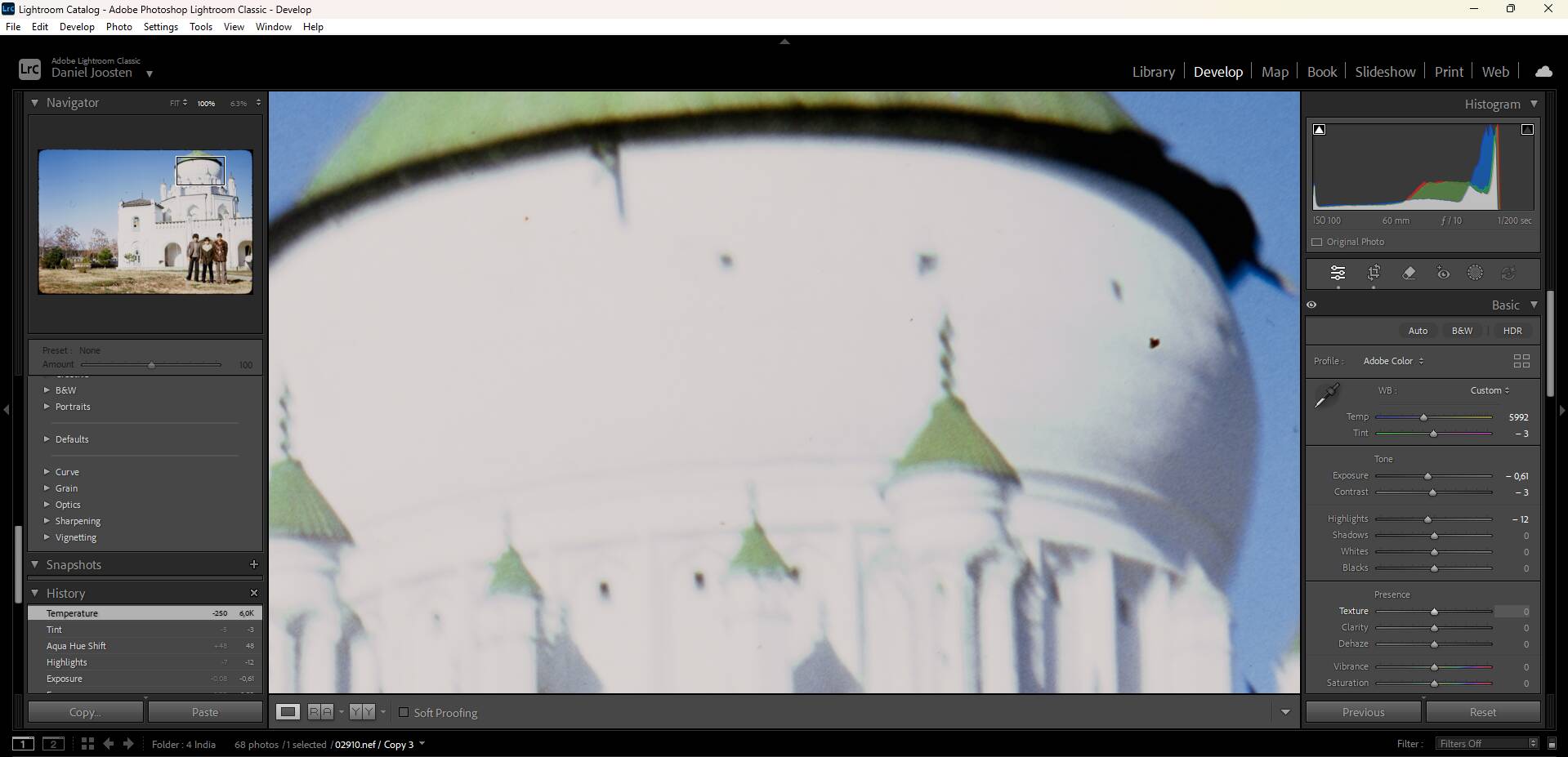
Overexposure may be the issue after checking the unedited RAW file. When I started scanning slides and negatives (even before getting NLP I think), I read somewhere that it’s best to get the exposure close to clipping. While the RAW file does not show clipping warnings in LR normally, after opening NLP there is a lot. Strangely not at the places where the problem shows the most, but I have no idea how anything about this works. Will post some screenshots in the next posts
Sorry for the many posts, but just saw I had NLP set to negative for the screenshot. Changing to the positive settings shows about the same level of overexposure warnings
Yeah, that overexposure is definitely an issue, and the way the NLP profiles work, it will accurately reflect this overexposure without any rolloff… you can try this:
Ok, that seems to work pretty great in removing the issue, thanks! It needs a bit more adjustments in LR then previously, but this gave the a better result than just using LR or the normal way with NLP