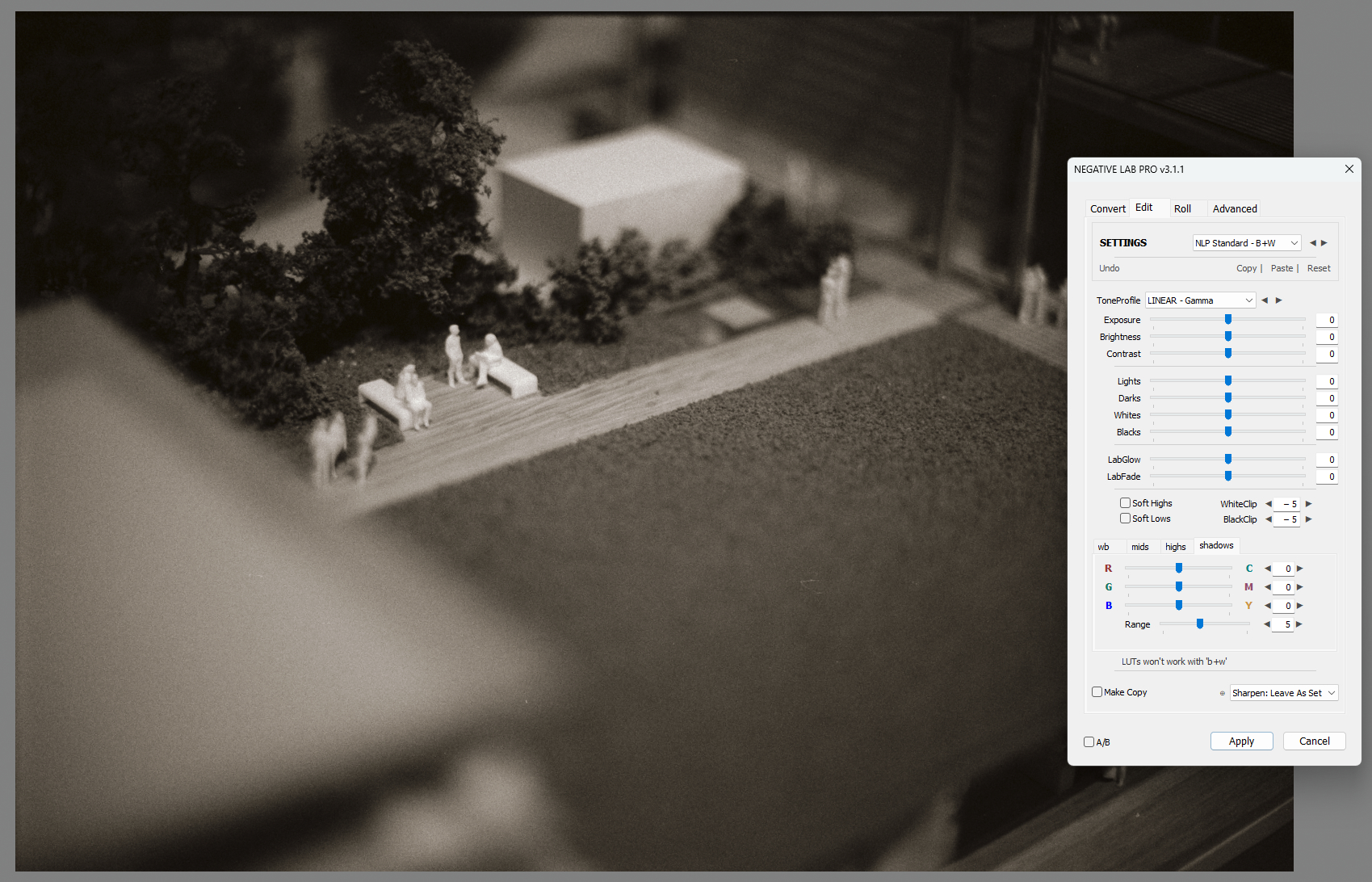
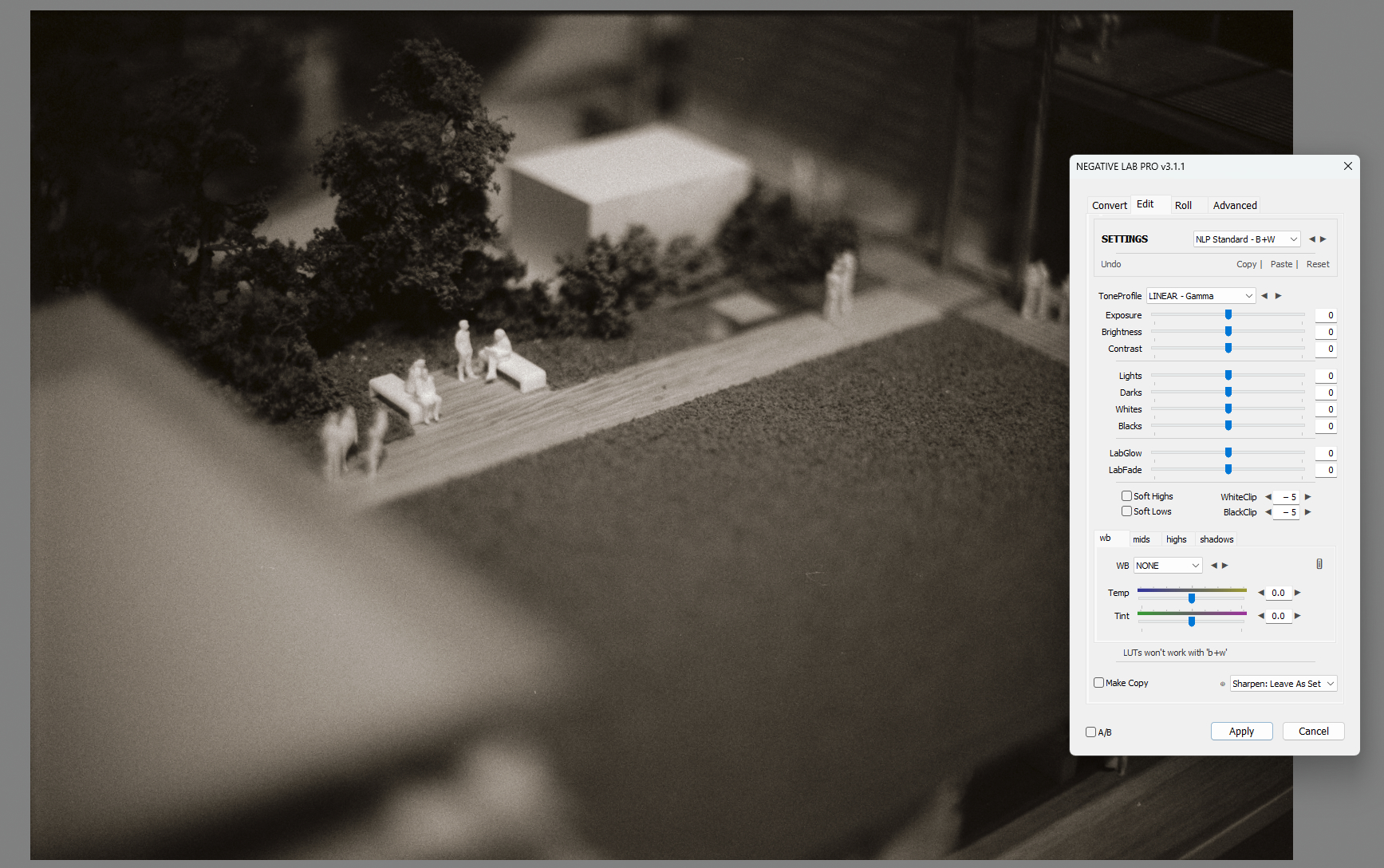
Heyo, I am having an issue when converting my b&w negatives. It has been happening for awhile and I haven’t been able to edit black and white photos properly making it difficult to enjoy shooting. After the conversion all my images seem to have a yellowish cast. I ensured that the color model is set to “B+W” when converting. Additionally mids, highs, and shadows are all zeroed out and I have pressed the reset button. I’ve updated and reinstalled lightroom/NLP. I am at a complete loss for what is going on. I’d appreciate any insight to this, it has been very frustrating.


1 Like
What happens if you click white balance picker on any light gray surface? if picture becomes completely grey with no coloring in highlights and shadows i would just do WB and move on. You may examine the shape of Tone curves to see if you can observe some interesting pattern. all rgb curve should be very similar, but in your case they seem to be offset slightly
I have B&W negatives shot on Ilford XP (and similar type of film) which were not B&W.
If nothing else helped, I desaturated the images before proceeding with other settings.
I see your Tone Profile is set to Linear Gamma. Try setting it to Linear and see whether the hue bias disappears.
The hue bias is still present after changing linear gamma to linear. Thank you for your input
Color still seems to be present after using the white balance picker on a light grey surface. I tried playing with WB to see if I could remove the color but no matter which way i set it, I cant get perfect B&W. Some color is always present. Thank you for your input. Adding a photo of my histogram to show the color.

Interesting. Never seen this problem before. I have seen where Black clipping can cause a hue bias specifically toward yellow, which is why I suggested you try linear tone profile, because it can cut clipping. However, you’re right, it doesn’t appear to have solved the problem. That said, I see a bit of Black clipping in your LR histogram. Try reducing the Black some, either in NLP (preferred) or in Lightroom by toggling the Whites slider until the Black end of the histogram is completely in gamut. Let’s see if that eliminates it.
Otherwise, what Digitizer suggested is correct - complete desaturation will provide you with a neutral outcome, but what bothers me about that is that in principle it shouldn’t be necessary.
Here to say I have this issue too - I’m not sure why - mine is looking more blue/green
Are you using the color picker to neutralize the film scan prior to the conversion to positive? I believe that’s what NLP recommends for both color and b/w negs.