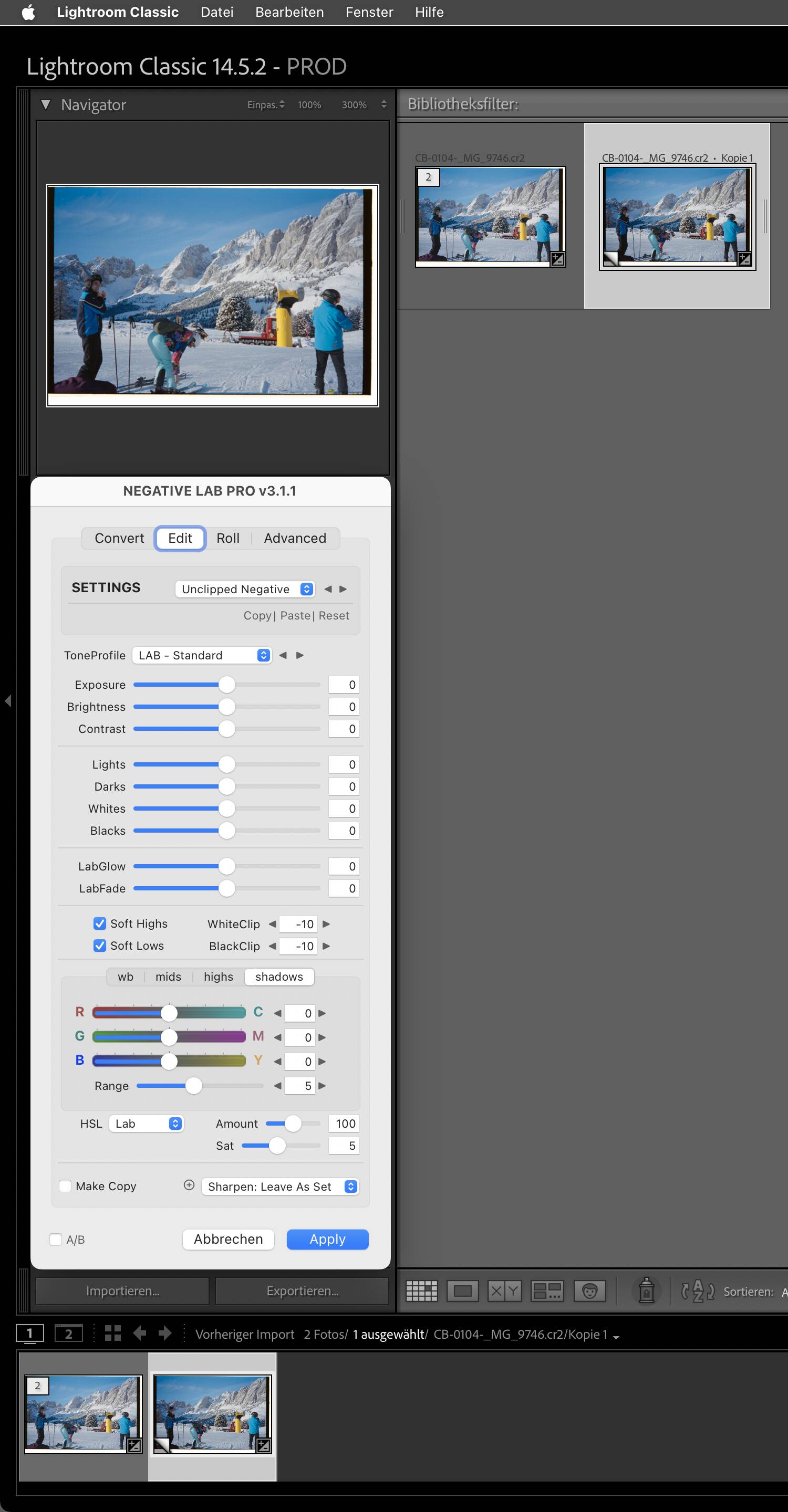
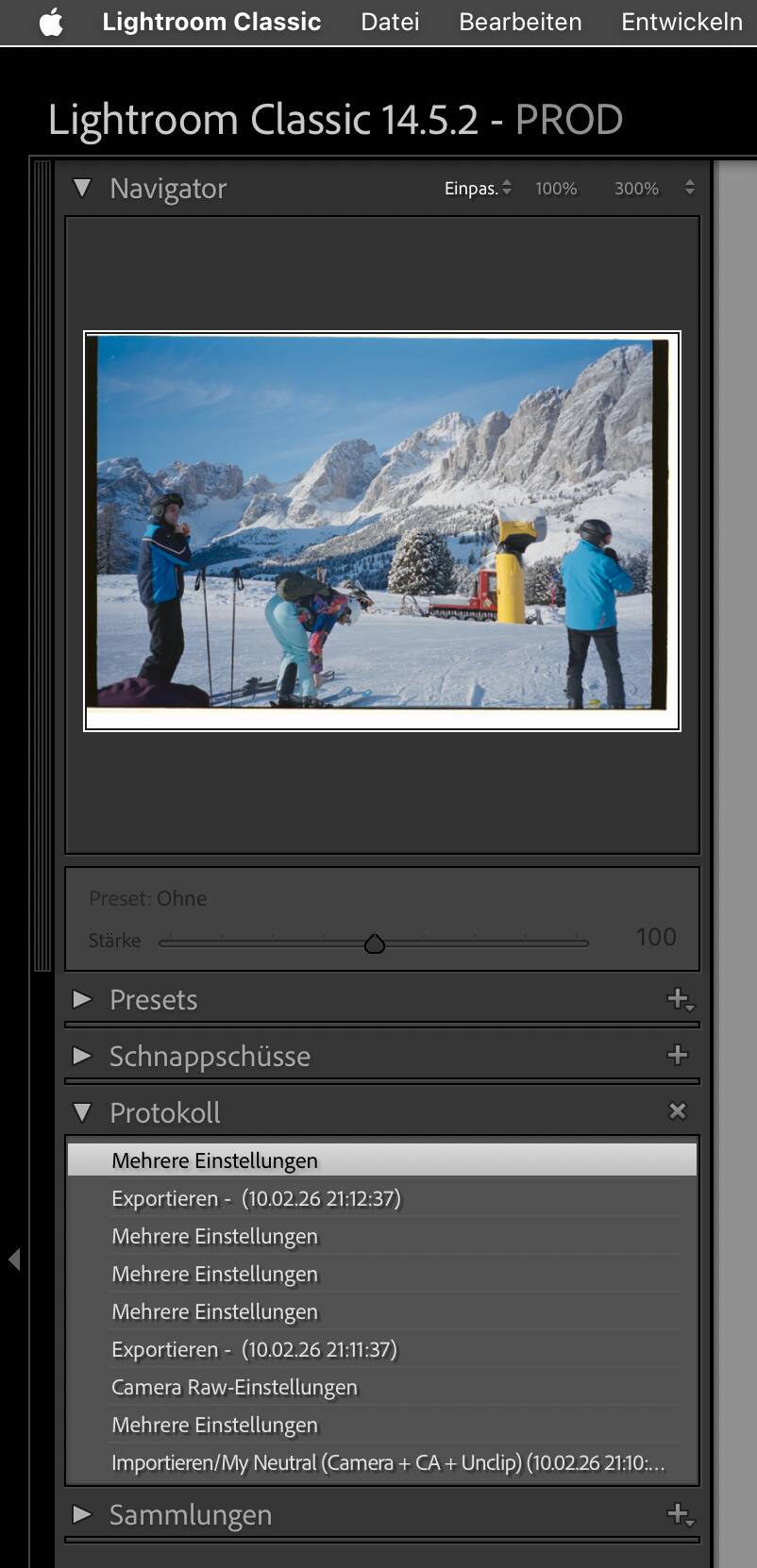
…as well as the NLP folder in your user Library > Application Support folder. Rights are the same, except that owner and group are "you”/staff instead of System/wheel.
→ “you” stands for your user account name
Hi sorry for the delay, I have all the system authorizations as you shown. In my NLP folder I see the same authorization setting as in my Lightroom one, with system staff and everyone.
My NLP still don’t work, I now get a super orange negative (I do crop and white balance before using)
Please take a screenshot of NLP of any step you take, a duplicate of on of your negatives and share them here. As a new user, you’d probably best use a sharing service like wetransfer.com or some other sharing or cloud service.
It’s really difficult to debug your installation with the info we have.
And you could still re-install NLP, but this time, completely remove it and get the current installer.
To find things, you could use “EasyFind”, but check to get a version that runs on your system.
About this, I’m already trying to get Lightroom 13.4 or 13.5 but its hard as hell to get a good customer service out of adobe. They keep saying is either 13.0 or 14.0 (which won’t work on my MacBook).
I’ll now trying to uninstall negative lab pro as u showed me and if it still won’t work after reinstall I will provide screenshots for each step and the OG files so that we can get a better understating, thanks about that.
Hmm, certo, but if you get to NLP’s second tab, the conversion seems to have happened - without showing its result. I suppose that you have clicked on “Apply”?
I had similar issues with LrC not updating previews or needing to be kicked by some action like selecting a different image, changing one of NLP’s settings etc., but that was quite a while ago and possibly with early versions of NLP like 2.4 or even 3.0
I converted your image on my Mac (LrC14, macOS 14.8.3, NLP 3.1.1) and things went as expected.
I’ve even tried chance engine settings on advanced, I’ve seen the difference between negative lab pro 2.3 and 3.1 and those are what made me pull the trigger and spend the money so would really like to use the best version.
There is a bug on this version of Lightroom Classic that broke a certain part of their SDK. It was addressed by Adobe in just a few days and the fix is in 13.0.2.
But literally the only way to address this is to have any other version of Lightroom Classic.
Oof, that’s frustrating. In the past, I’ve been able to chat with their customer support via their website and they will provide me with a specific version. I’m not sure why they would be reluctant.
Why not just upgrade to the newer versions of Lightroom Classic though?
I’ve tried several times to get a specific Lightroom version but unfortunately the only older version adobe seem to provide is 13.0.
No other version of 13 have been given to me even if explicitly asked for.
I would of course update to a newer versions but those are not compatible with my older 2016 MacBook Pro. My MacBook is perfectly cabled of editing photos but Adobe won’t let me, even if I technically paid for Lightroom so in my opinion I should be entitled to have whatever version I want to.
I thought about building a desktop but with the current ram pricing it just a crazy idea.
I do have LrC 13.4 on a time machine backup and NLP worked well with it. I’ll have to read legal things first though. Maybe it’s okay to provide a copy. We’ll see.
If that’s possibile it would be fantastic.
I’m now thinking to a solution:
Use bootcamp to install windows 10 and from there I should be golden, newest version of Lightroom Classic should work.
At least as far as I’m aware of.